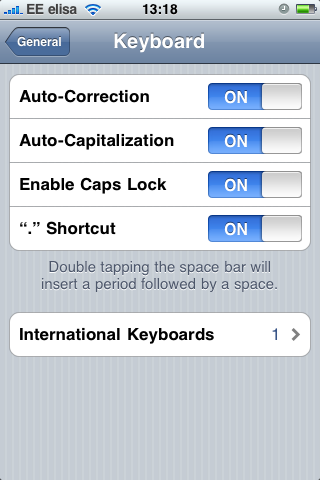
How to enable Caps Lock on original first generation iPhone
 Those of you wondering how to enable the Caps Lock feature on iPhone, here’s a quick rundown:
-
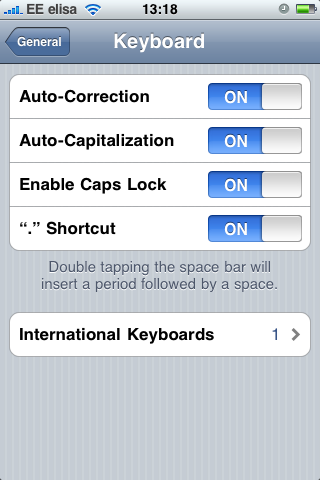
Turn on Caps Lock from Settings > General > Enable Caps Lock:
-
Return to your application, double-tap Shift so it turns blue and there you have the Caps Lock in iPhone: